Start chat
Start chat

Yanis
Welcome to Sparrow,
Do you have any questions? We would be happy to chat with you!
Start chat
Start chat
Welcome to Sparrow,
Do you have any questions? We would be happy to chat with you!

To send email campaigns to your contacts, you need to import them intoSparrow Mailing . You must at least import their email addresses. However, you can import as many additional fields as you like. Don't worry if some fields are empty for some of your contacts; it doesn't matter for the import.
The process is very simple. Log in to your account Sparrow Mailing, and go to the page “contact list”.
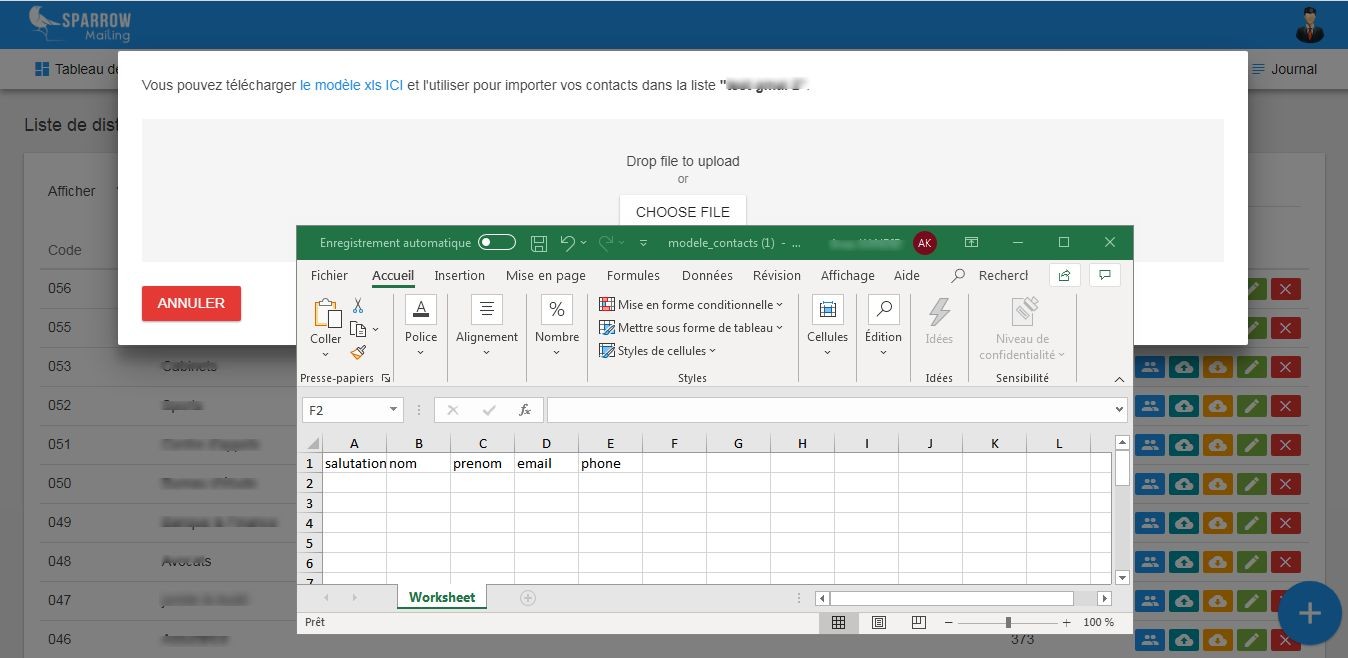
1. Import contacts from an Excel file:
Import your contacts' email addresses. You can also import as many additional fields as you like (enable them in the tab“Field list”), such as first name, last name, date of birth, mobile number, etc.
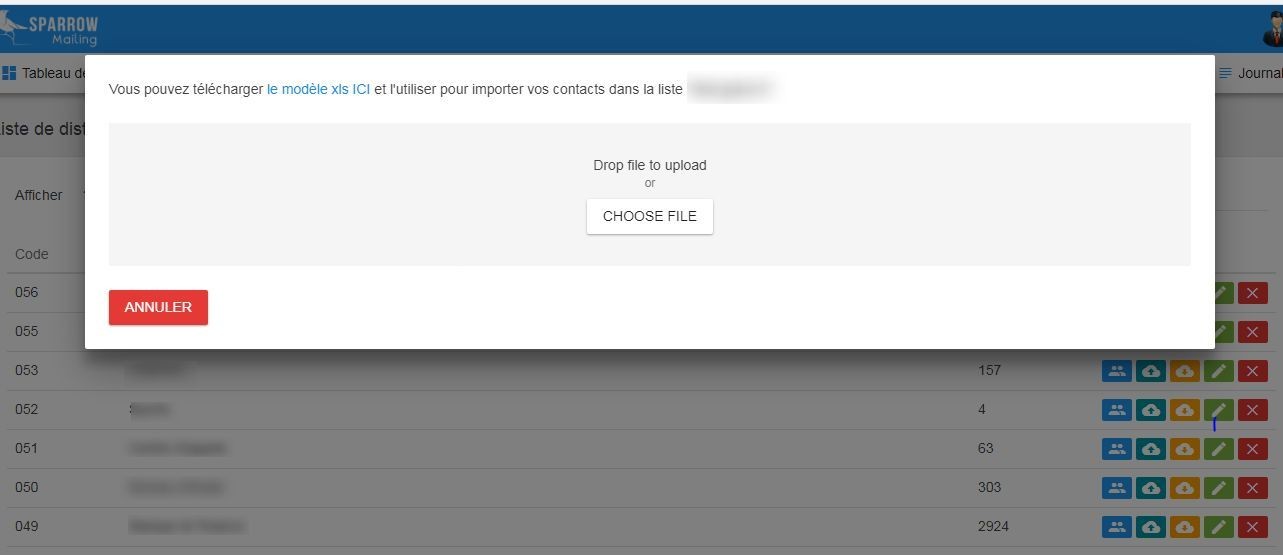
2. Import contacts using copy and paste
To import contacts by copy and paste, simply copy them and paste them directly into the empty field on the template Sparrow Mailing .
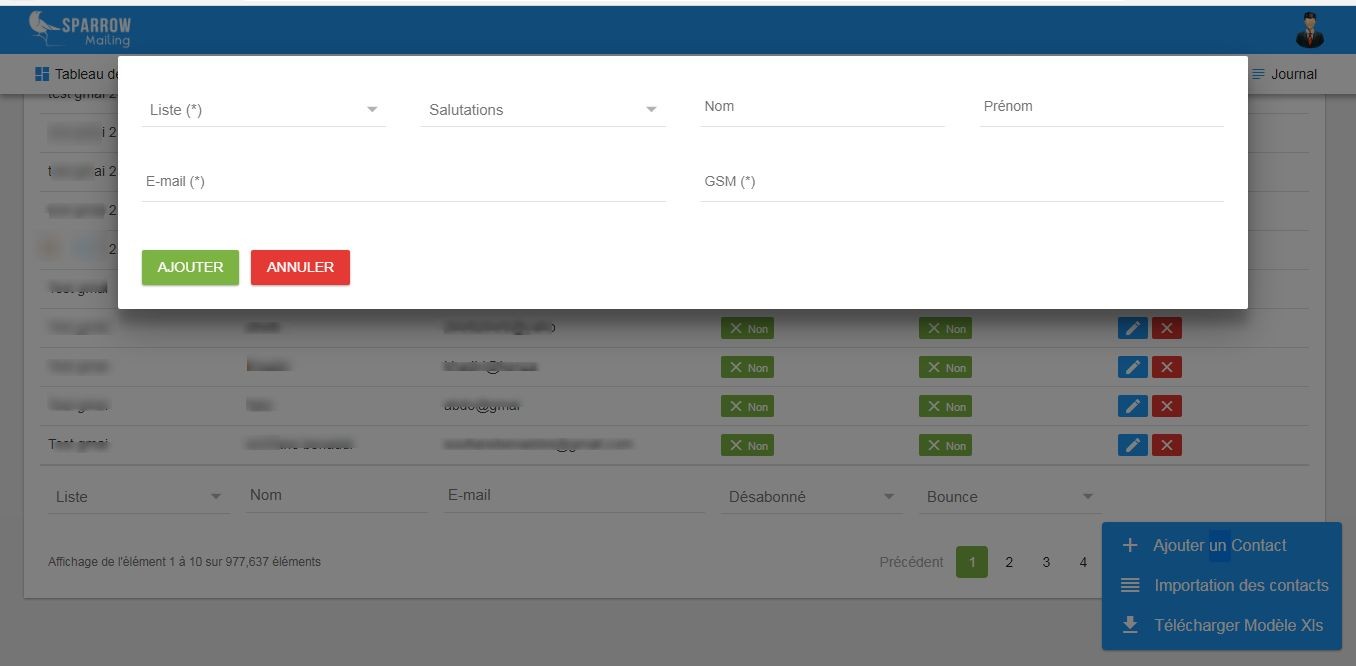
You can add contacts manually. This method lets you add contacts one by one. For the import, select the tab "Contact management" "contact list"